7
System Settings
7.1
Device Settings
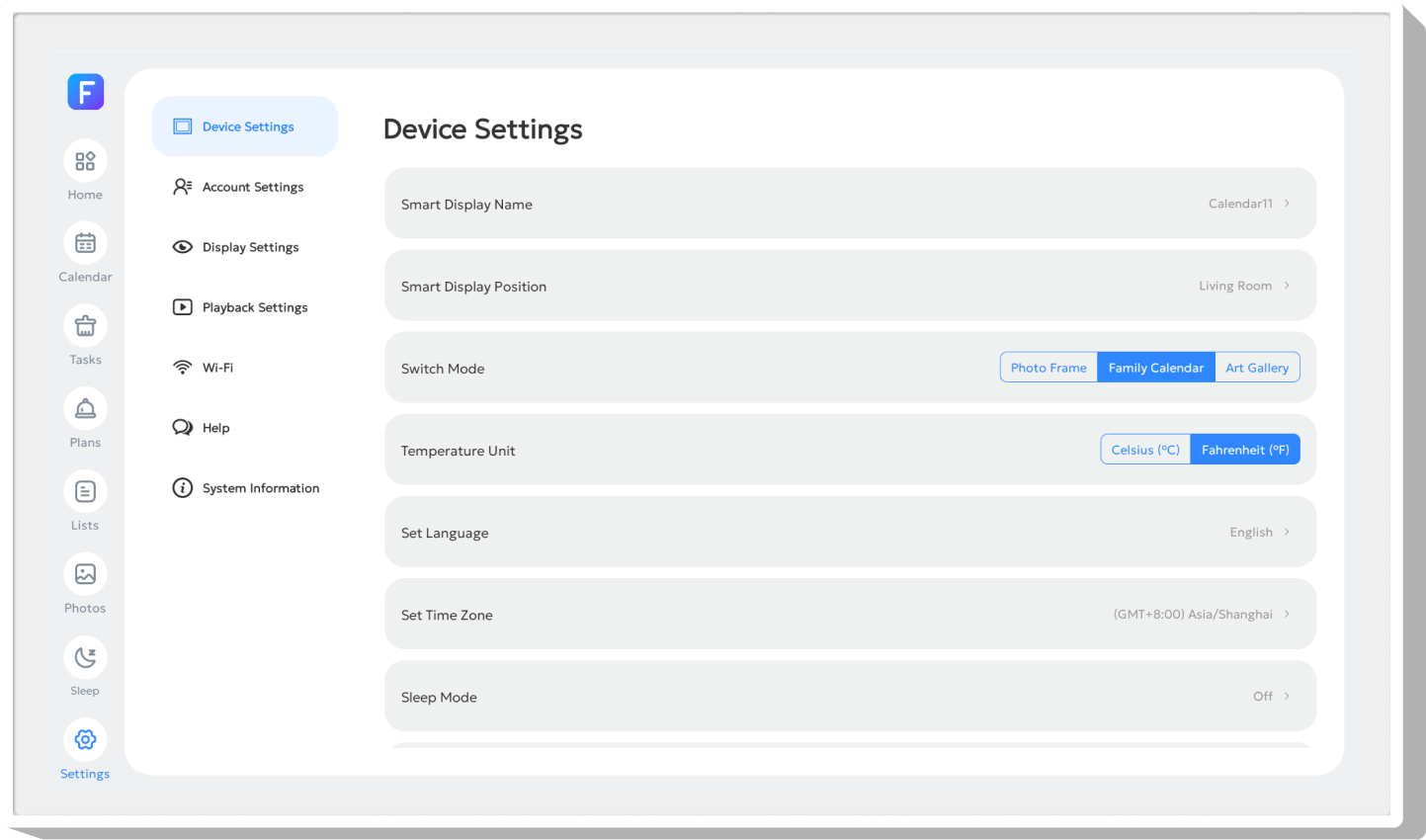
Smart Display Name
Name your device; multiple edits are supported.
Smart Display Position
Set a storage location as a marker for the device.
Switch Mode
Configure device modes here.
Temperature Unit
Switch the weather temperature unit here.
Set Language
Change the device display language here.
Set Time Zone
Switch the device time zone here. It is recommended to search for a region for location‑based time zone matching.
Sleep Mode
Set the sleep mode here. This setting is synchronized with the sleep mode in the main menu.
Power
Perform device power‑off, restart and sleep operations here.